How to Use QRimb

Your complete guide to gamified bouldering

🏠 Getting Started

QRimb transforms your climbing sessions into an exciting game. Here's how to get started:

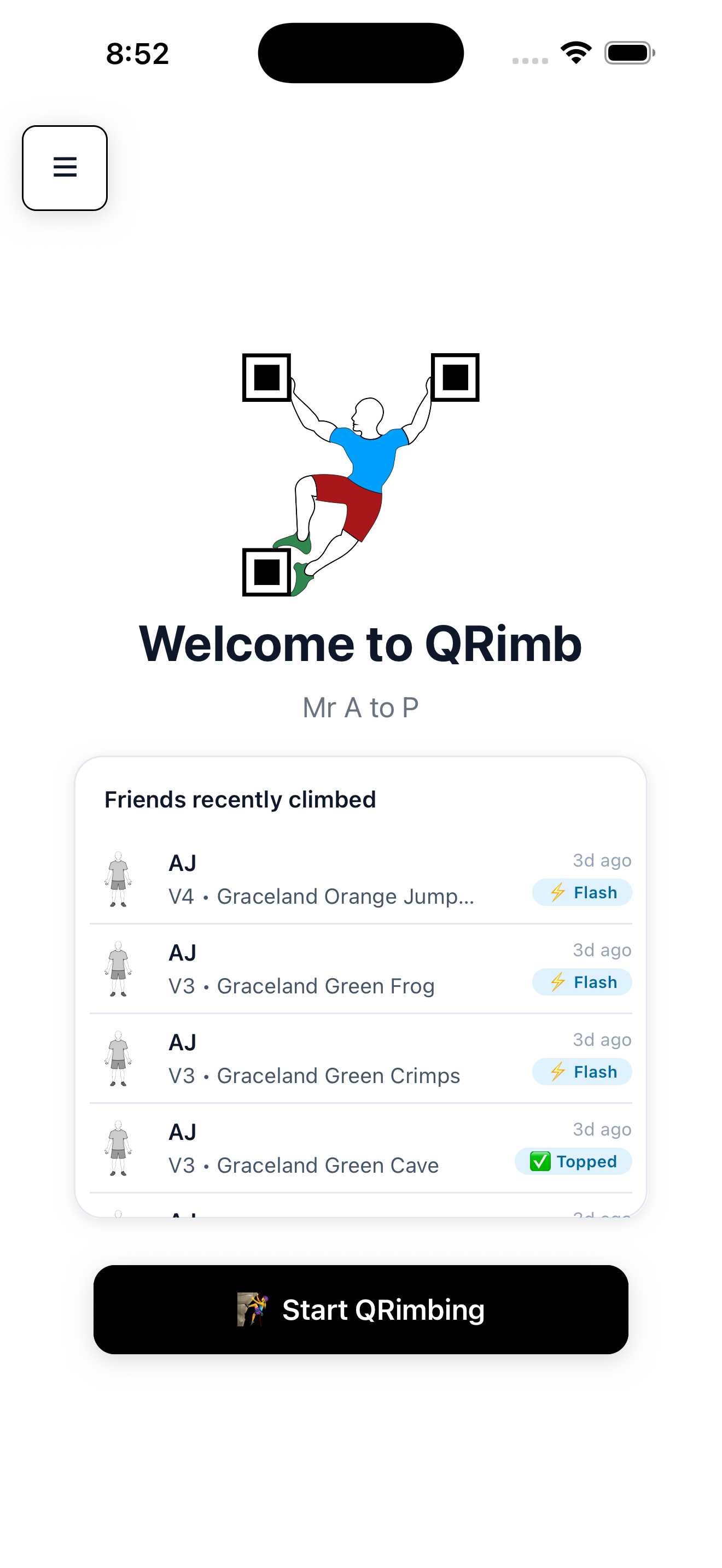
Home Dashboard

  • View your friends' recent activity in the social widget
  • Access all features from the main menu
  • Tap "Start Qrimbing" to begin logging your climbs

Finding Routes

  • QR Scanning (Recommended): Scan QR codes placed on routes at participating gyms for instant access
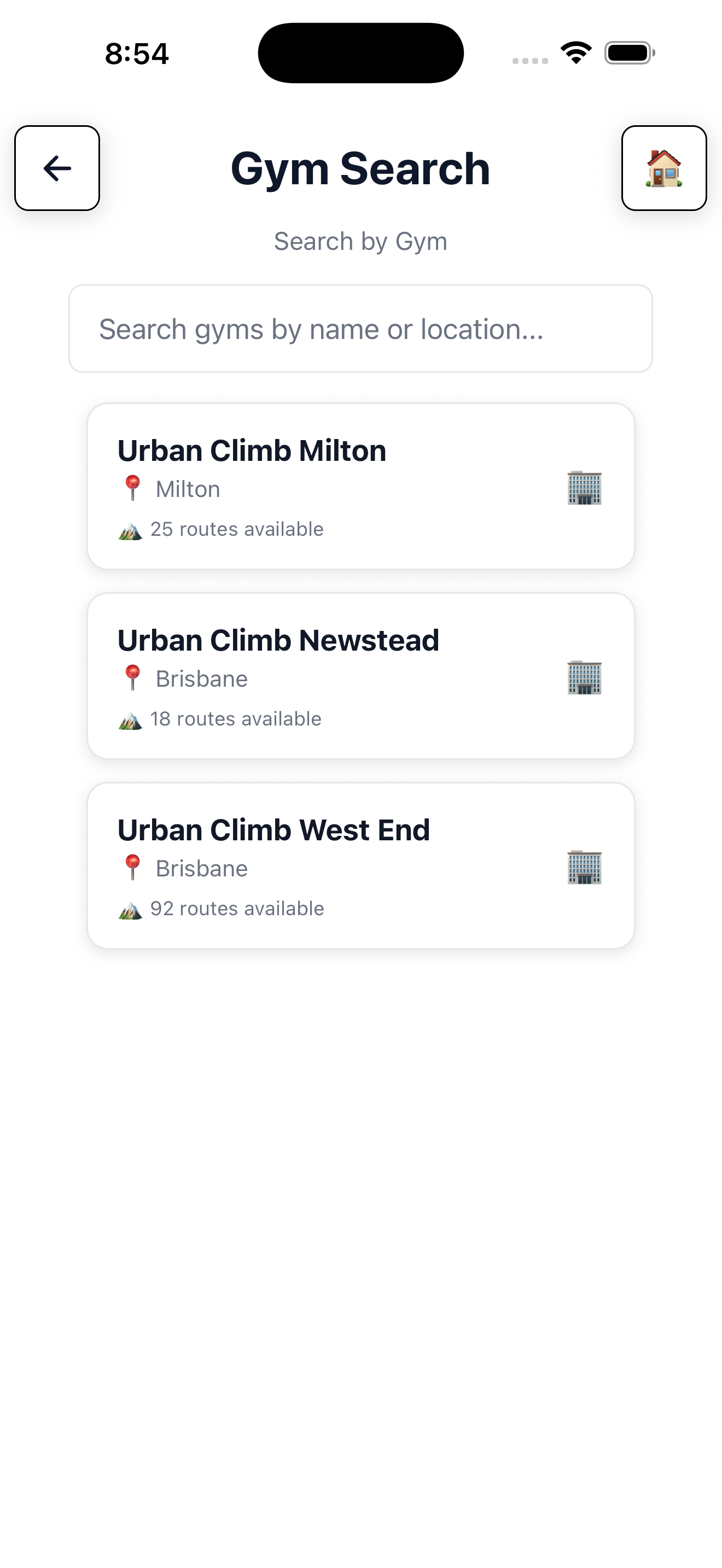
  • Manual Search: Browse gyms and routes directly in the app

📍 Location Tip: You need to be within 1km of a gym to start logging climbs there. This ensures accurate tracking and fair leaderboards!

🧗 Logging Your Climbs

Every climb you complete is called a "Qrimb." Here's how the climbing system works:

Recording Attempts

  • Log attempts: Track each try on a route
  • Abandon: Leave a route to try later
  • Flash: Complete the route on your first attempt (only possible once per route!)
  • Top: Complete the route after multiple attempts

After Completing a Route

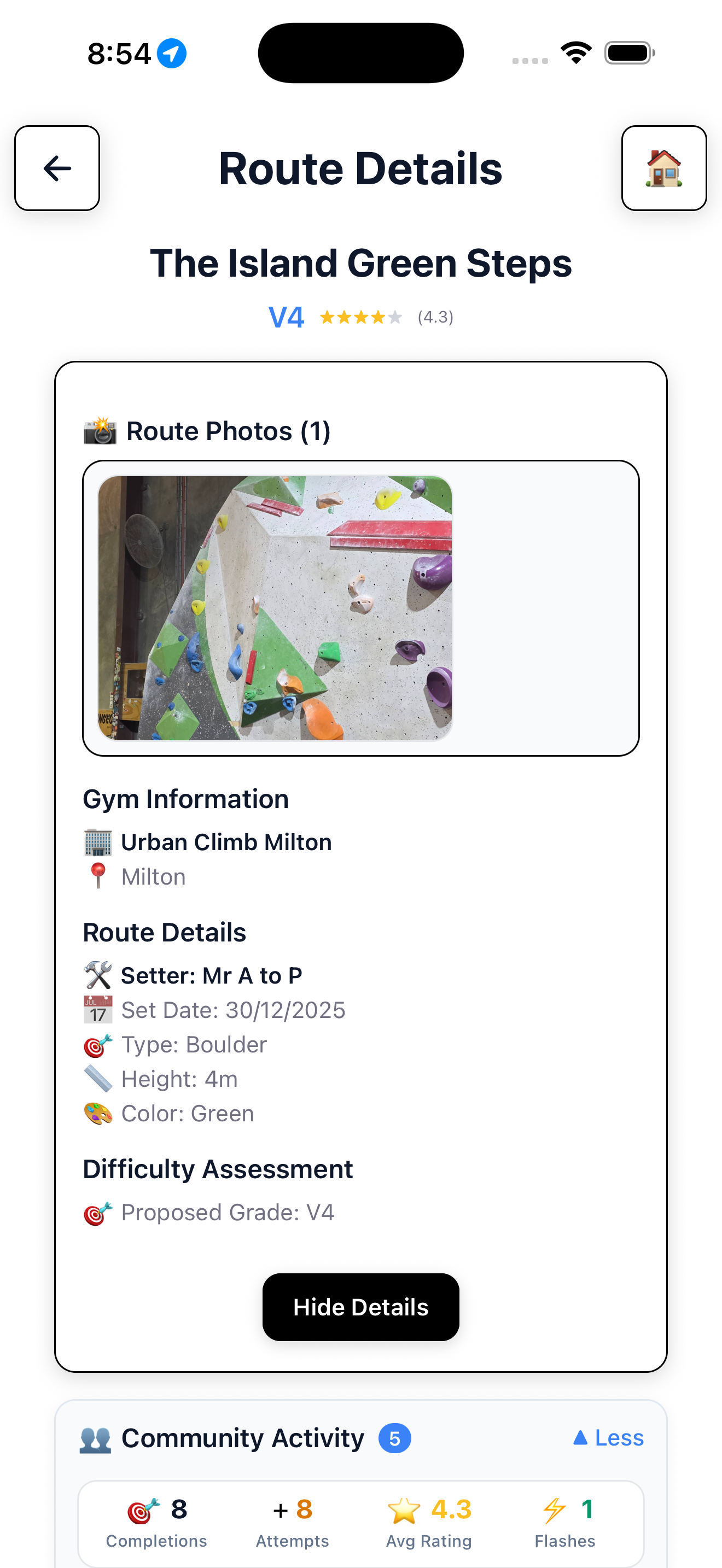
  • Rate the route from 1-5 stars to help other climbers
  • Give difficulty feedback — was it easier or harder than the official grade?
  • Earn XP and coins based on your performance

Daily Limits: You can complete the same route up to 3 times per day for full rewards. Additional completions still count but give reduced XP.

👤 Your Profile & Stats

Track your progress and showcase your achievements:

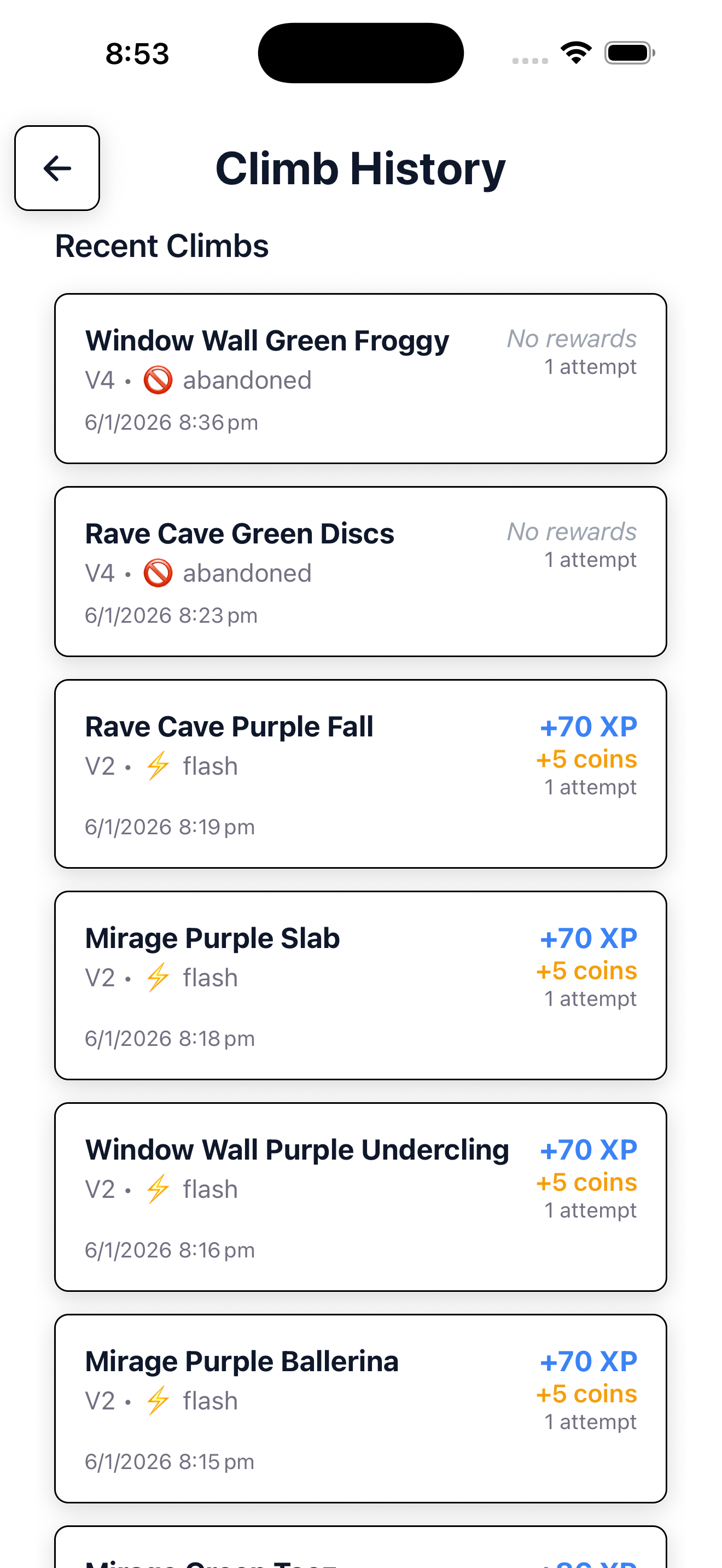
  • Climb History: View all your past climbs and performance
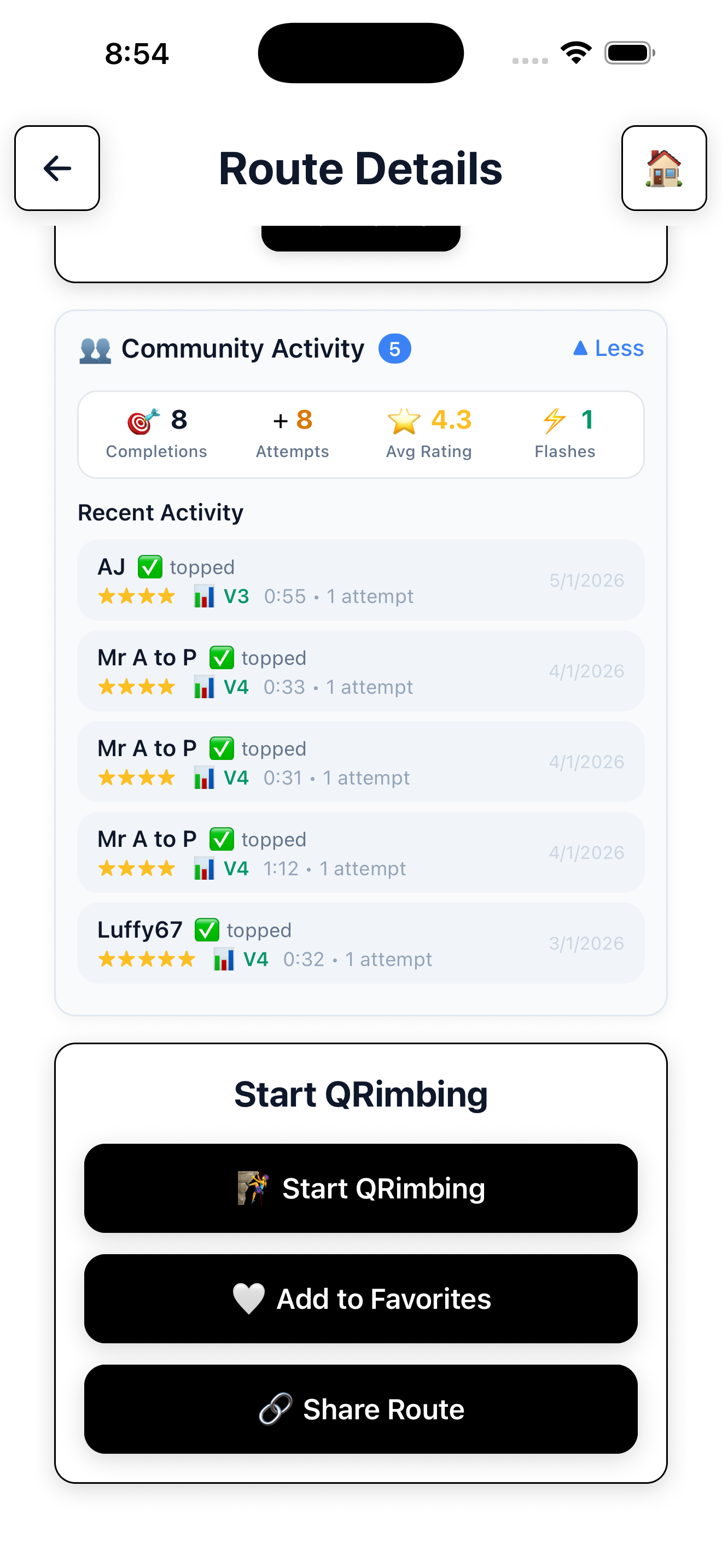
  • Favorites: Save routes you want to revisit
  • Achievements: Unlock badges and claim prizes as you progress
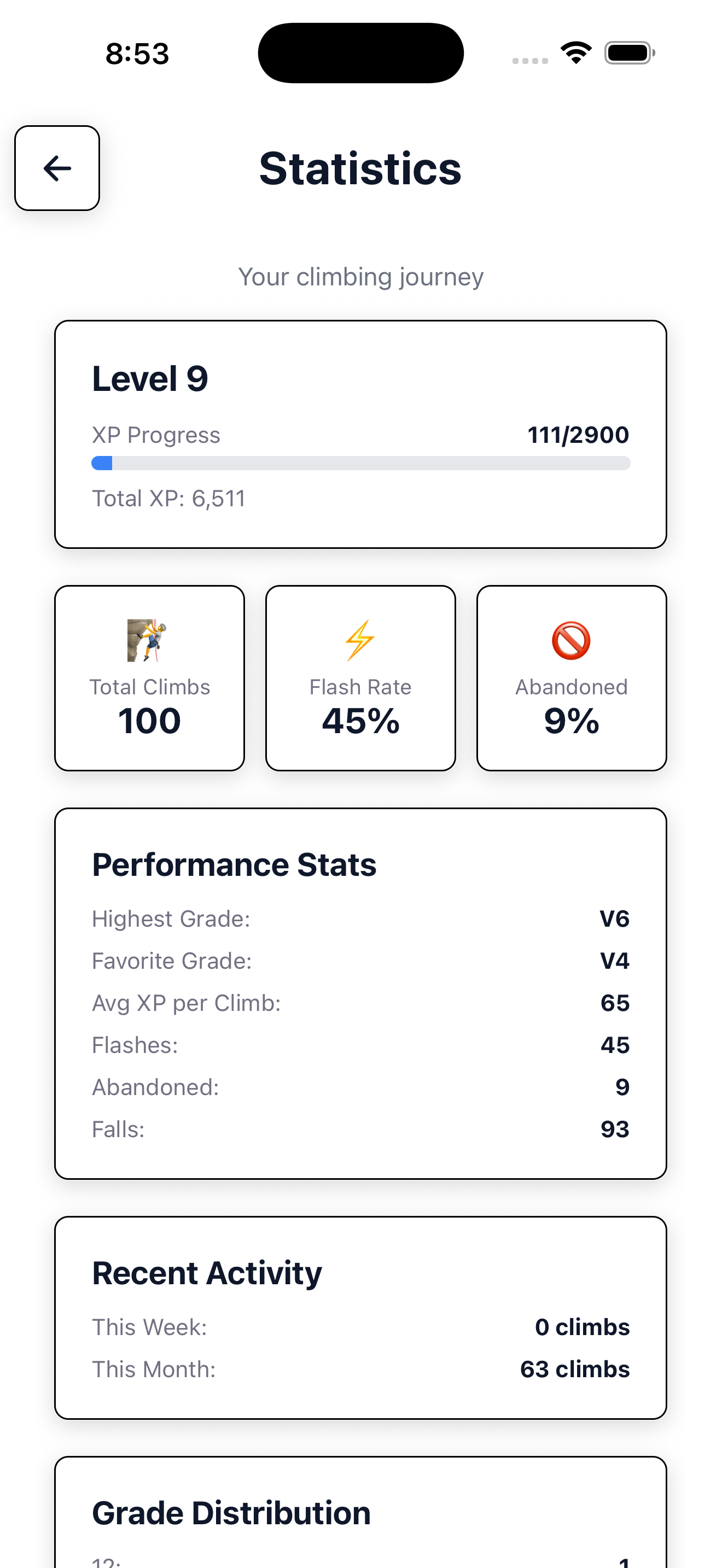
  • Statistics: Detailed analytics of your climbing performance

Sharing Routes

Found an amazing route? Share it with friends using deep links — they can open it directly in the app!

🏆 Leaderboards & Community

Compete with Others

  • Local Leaderboard: See how you rank at your home gym
  • Global Leaderboard: Compete worldwide (requires completing V6+ grades)

Leaderboard rankings update every 24 hours.

Connect with Climbers

  • Climbers Directory: Search for other users by name
  • Friends List: Follow your climbing buddies and see their activity
  • Home Gym Members: Discover climbers at your local gym

Customize Your Avatar

Visit the Wardrobe to personalize your climber avatar with items from the shop!

💰 Shop & Rewards

Earning Coins

  • Complete climbs to earn coins
  • Unlock achievements for bonus rewards
  • Purchase additional coins if desired

Spending Coins

  • Avatar Items: Customize your look with clothing and accessories
  • Name Changes: First change is free, subsequent changes cost coins
  • Premium Subscription: Unlock unlimited features

🎁 Free Premium: All new users enjoy Premium features until Level 10 — plenty of time to explore everything QRimb offers!

⭐ Premium Membership

Free vs Premium

QRimb is free to use with Premium features unlocked until Level 10. After reaching Level 10:

  • Without Premium: Your account becomes view-only (you can browse but not log new climbs)
  • With Premium: Continue enjoying unlimited climbing, full stats, and all features

You'll receive reminder notifications starting at Level 9 so you have time to decide.

🔒 Privacy & Settings

Privacy Mode

Want to climb in peace? Enable Privacy Mode to:

  • Hide from activity widgets and leaderboards
  • Only be found by exact name search

Account Settings

  • Edit your profile and bio
  • Change your home gym
  • Export your data (GDPR compliant)
  • Delete your account permanently
  • Contact support directly from the app

🏢 For Gym Owners

QRimb offers powerful tools for climbing gym management:

  • Create and manage your gym profile
  • Add and edit routes with grades and details
  • Assign QR codes to routes
  • View detailed analytics and climber stats
  • Manage staff access and permissions

Interested in adding your gym to QRimb? Contact us to get started!

❓ Need Help?

Have questions or need assistance? We're here to help!

Email us at: stiqrofficial@gmail.com